
Binding & Spine Calculator
Calculate perfect-bound spine width, plastic coil size, and Wire-O size using paper calipers measured from stocks we actually run.
Print Project Template Creator
Generate vector PDF starting templates with bleed, trim, safe areas, folds when requested, and structured mailing zones for supported projects.
Print File Prep Checklist
A practical checklist for size, bleed, images, fonts, color, linked files, and other common prepress issues before you send artwork.
Free Image Upscaler for Printing
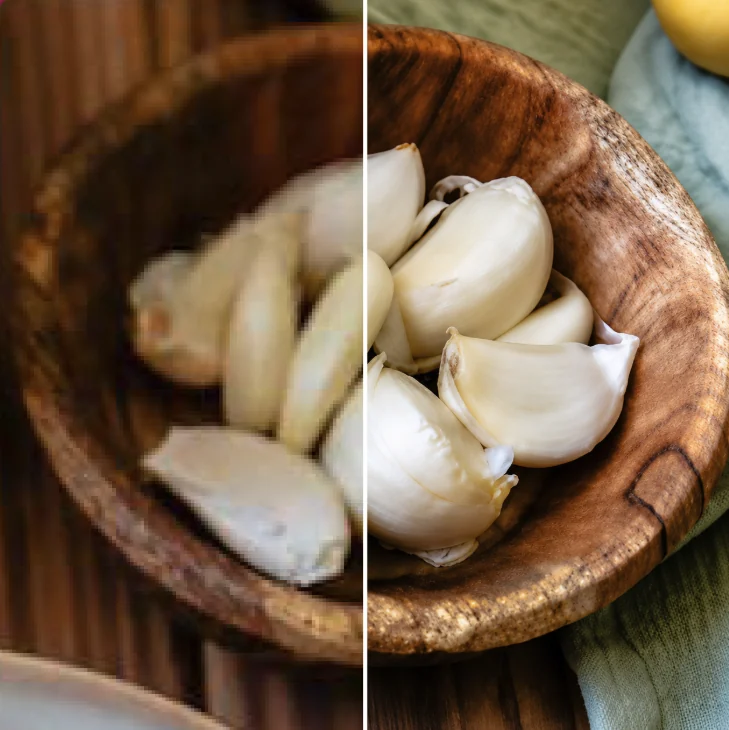
How I use Upscayl to test and improve low-resolution photos before posters, signs, banners, displays, and other print projects.
Is your image too small for print?
I put together a practical guide to checking effective PPI and using the free Upscayl program when a customer-supplied photo needs more pixels for the intended print size.
It also explains when upscaling helps, when it can create artificial detail, and why a low-resolution logo should usually be solved with vector artwork instead.
Built from real production problems
These resources are here because many expensive print problems begin with simple setup mistakes. Some are tools I built, and some come directly from production work with colleagues. The binding calculator, for example, was created by Orlando at our downtown AlphaGraphics location using paper calipers we measured in the shop.